
Fing already existed as an app, but Fingbox turned that software view into a dedicated piece of hardware for keeping the home network under control all the time.
Why it was interesting
- Alerts for new devices joining the network
- Intrusion blocking and parental control features
- Visibility into which devices use the most bandwidth
- Wi-Fi coverage analysis and remote monitoring
What arrived in the box
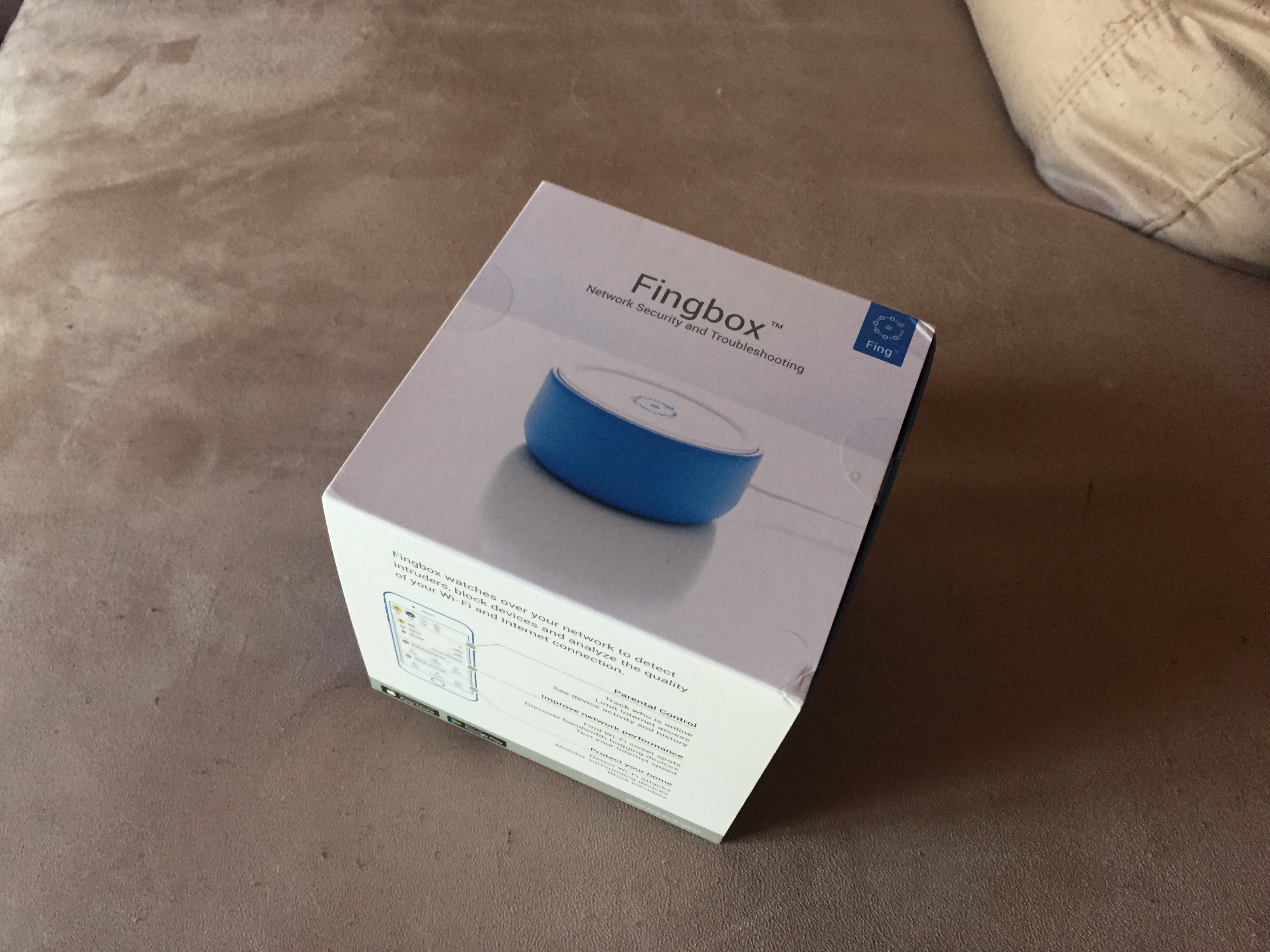
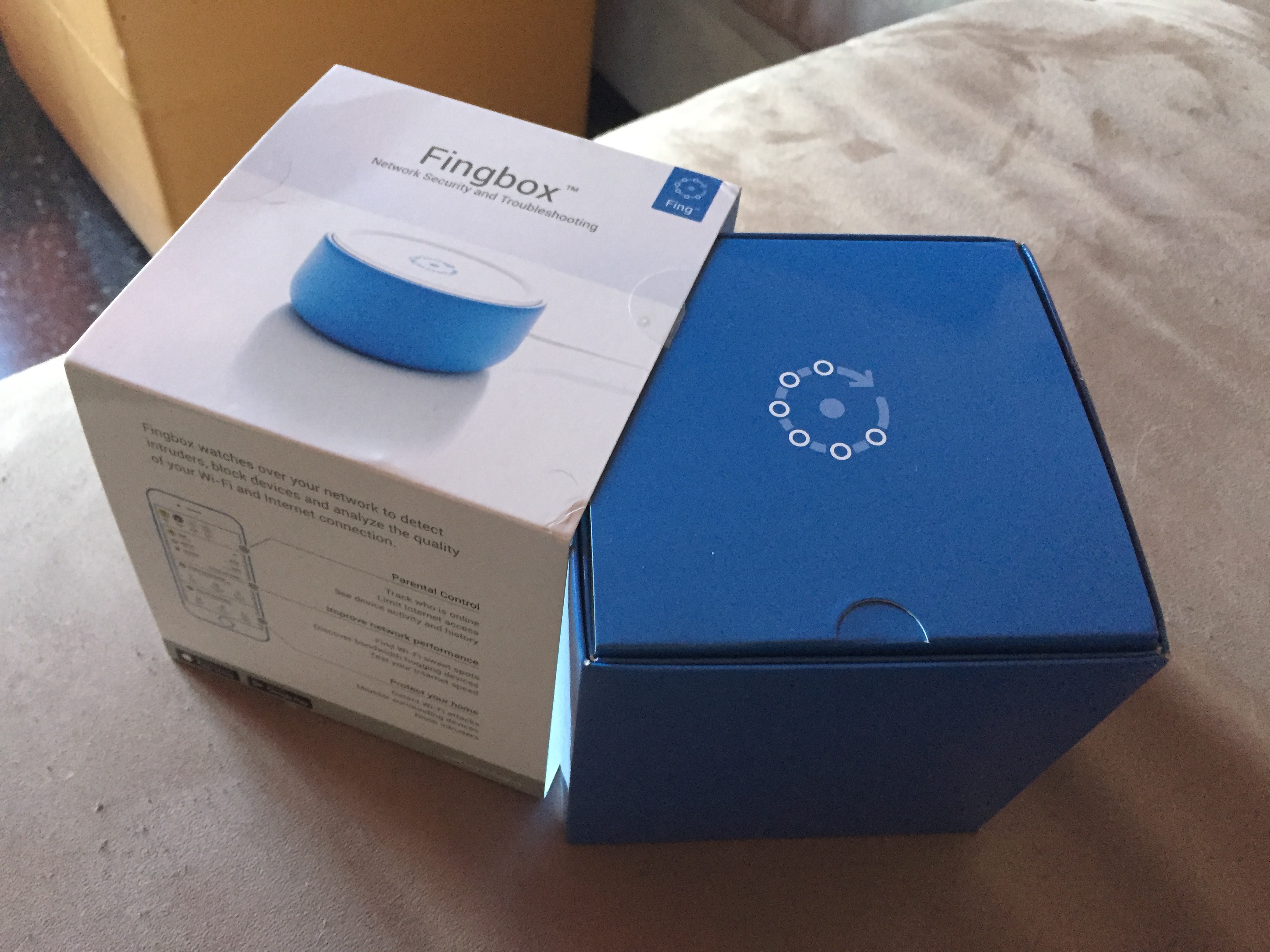
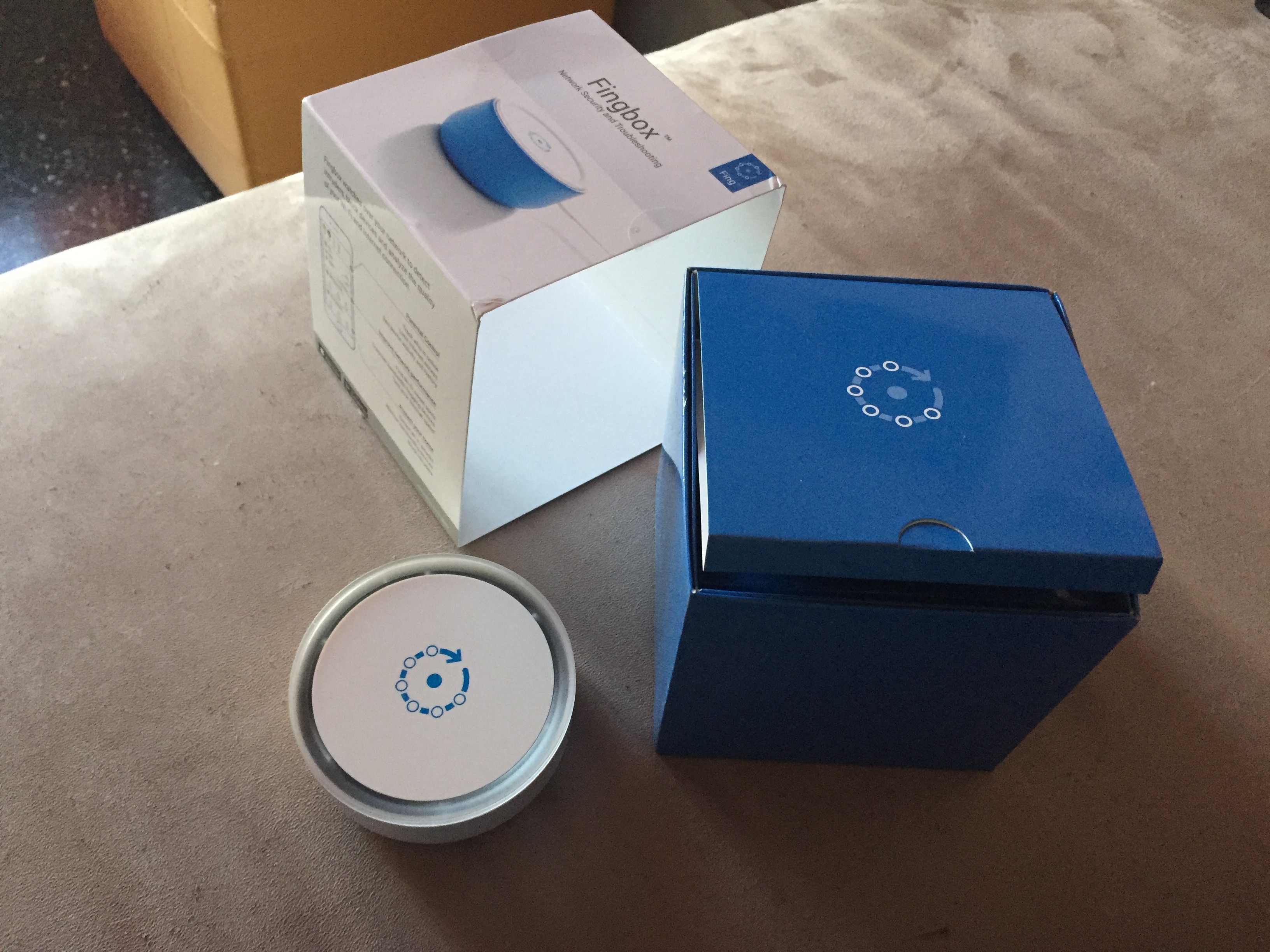
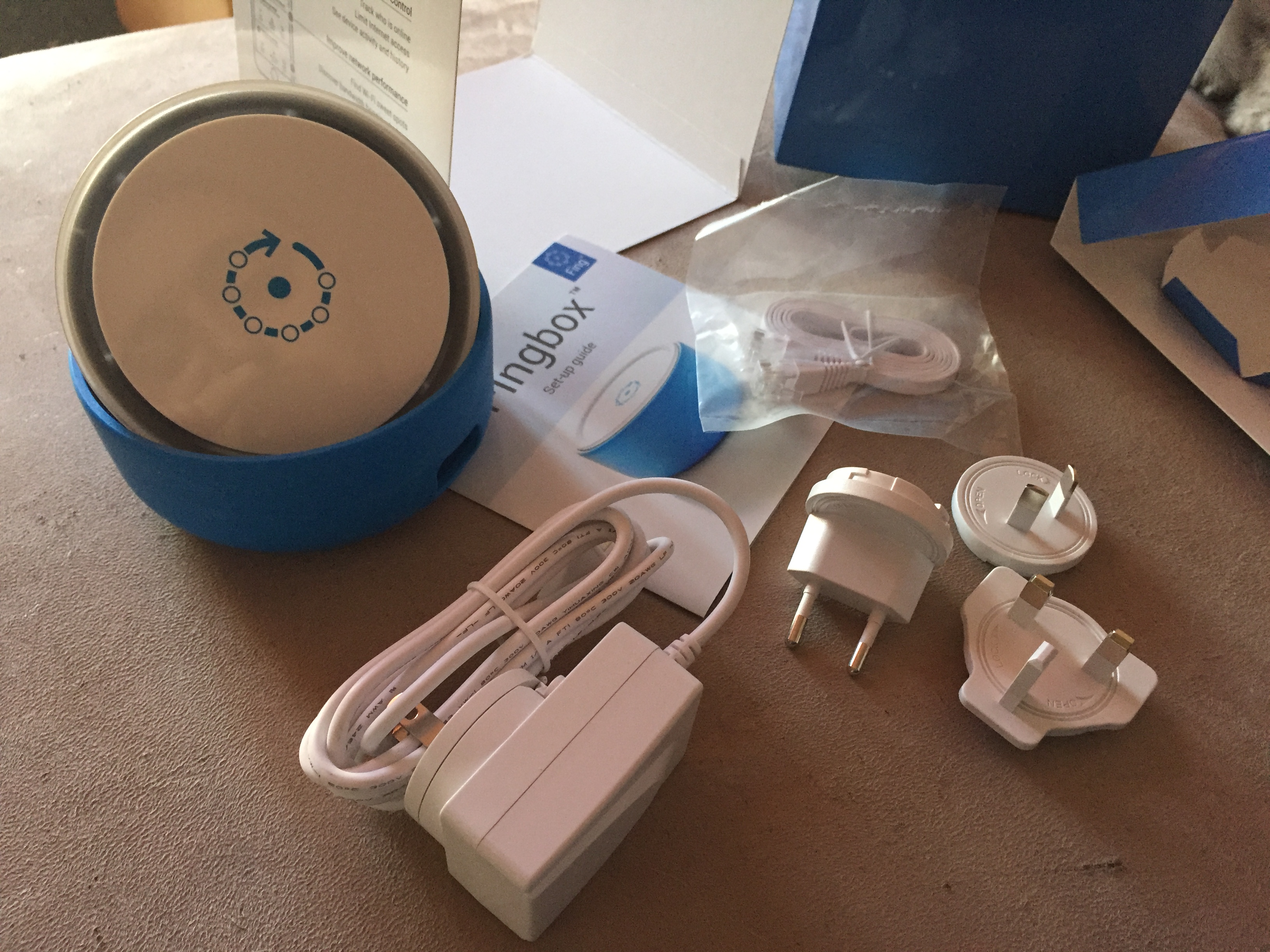
The set was simple and well put together: the main unit, the power adapter with regional plugs and the network cable. The blue rubber protection gave the device a more distinctive feel than most anonymous home-network gear.
Setup notes
- Connect Fingbox to the router with the network cable
- Power it on and wait for the indicator lights to turn green
- Open the app and complete the guided setup
- Once linked, the network can be monitored even remotely
The strongest point of Fingbox was not just security in the abstract, but visibility:
seeing what was on the network, what changed and where bandwidth was going.